
⚠️ This digital file is only available as a Google Sheet, not an Excel Sheet. Please do not download it as Excel as this will affect its formatting.
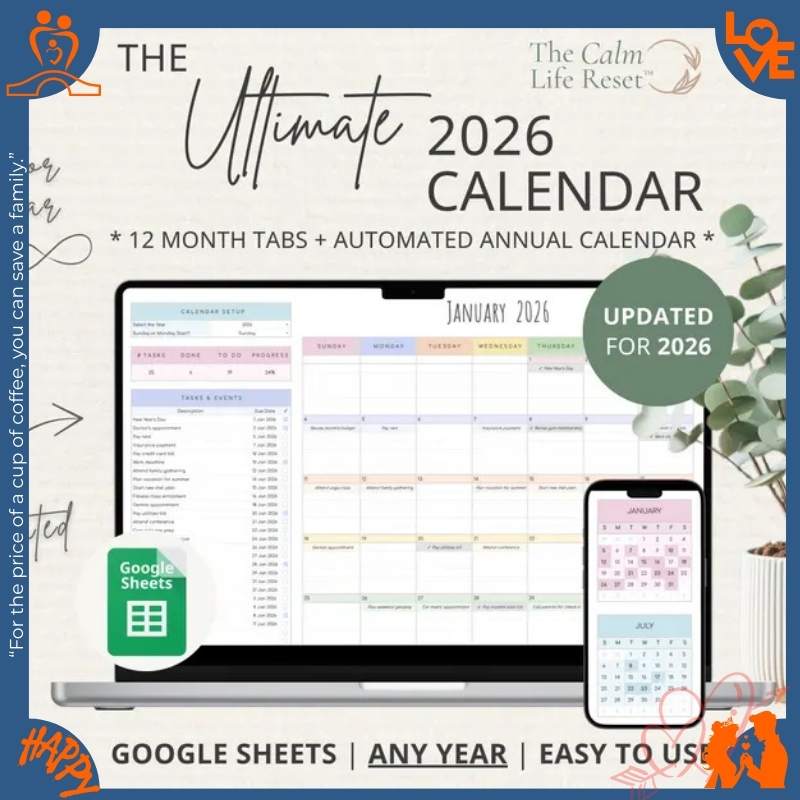
2026 Calendar Spreadsheet Yearly Calendar Monthly Tracker Routine Daily Schedule Google Sheets V2.4.1
Plan Your Entire 2026 at a Glance. See 365 Days, Zero Overwhelm.
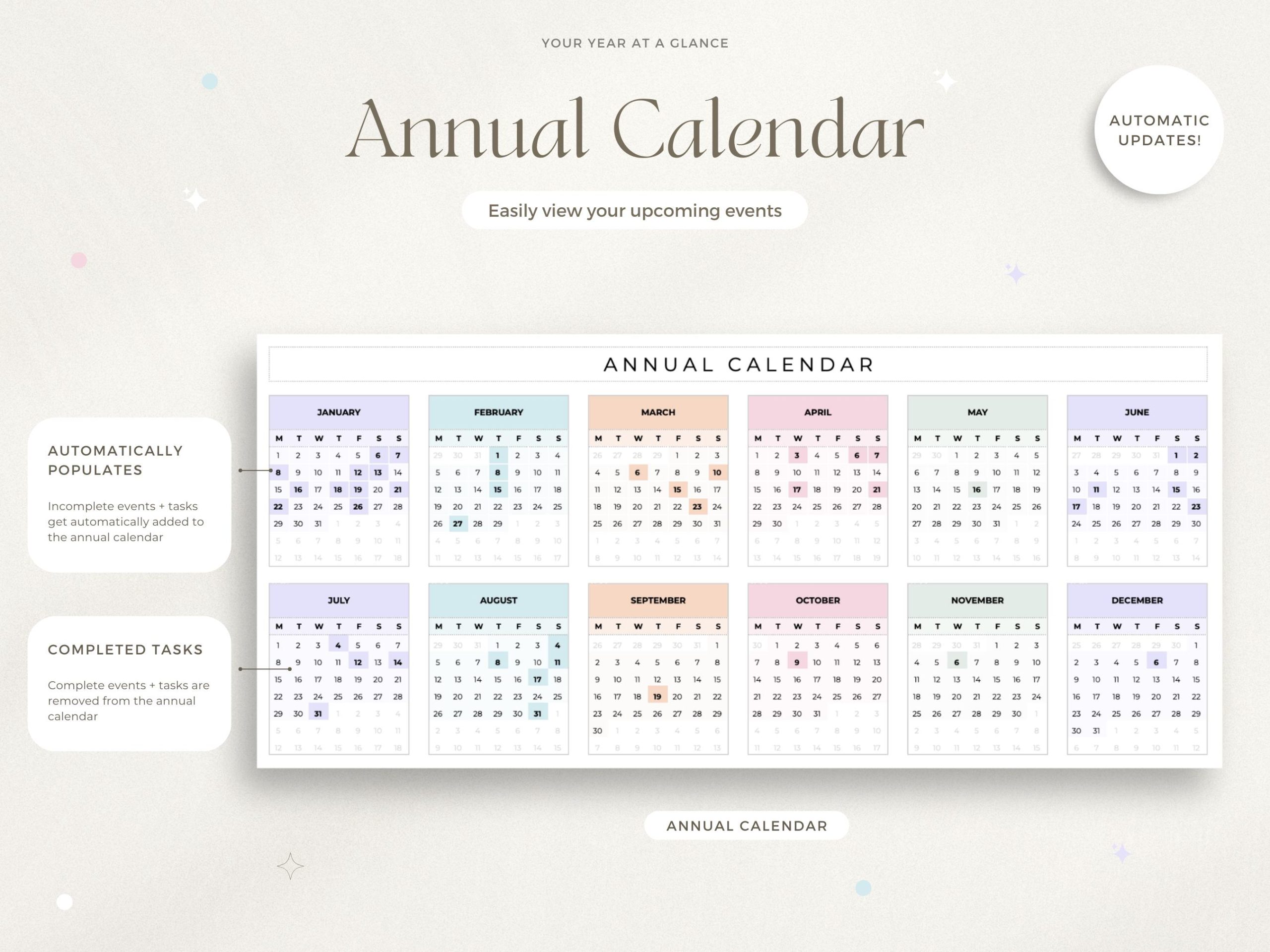
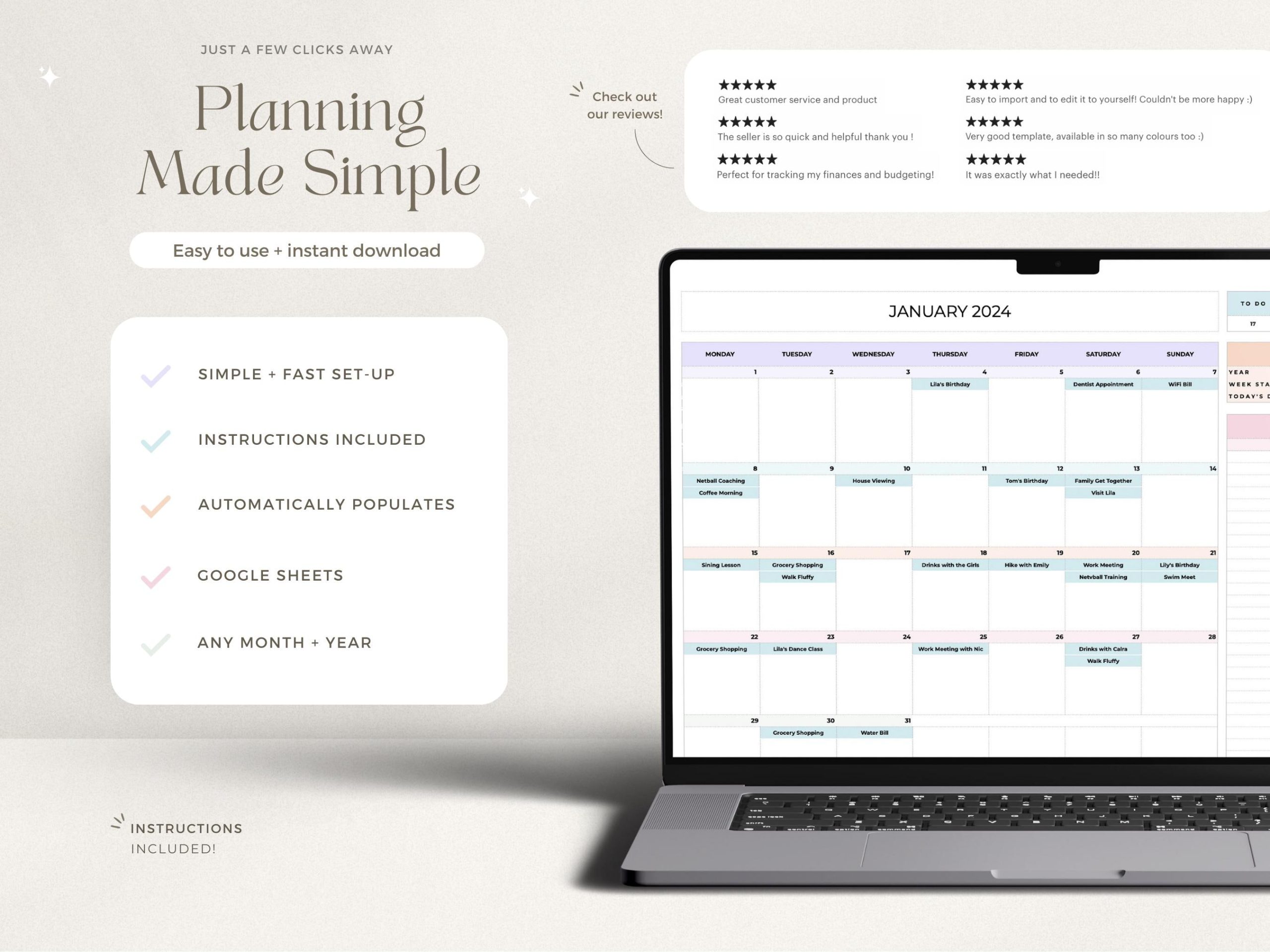
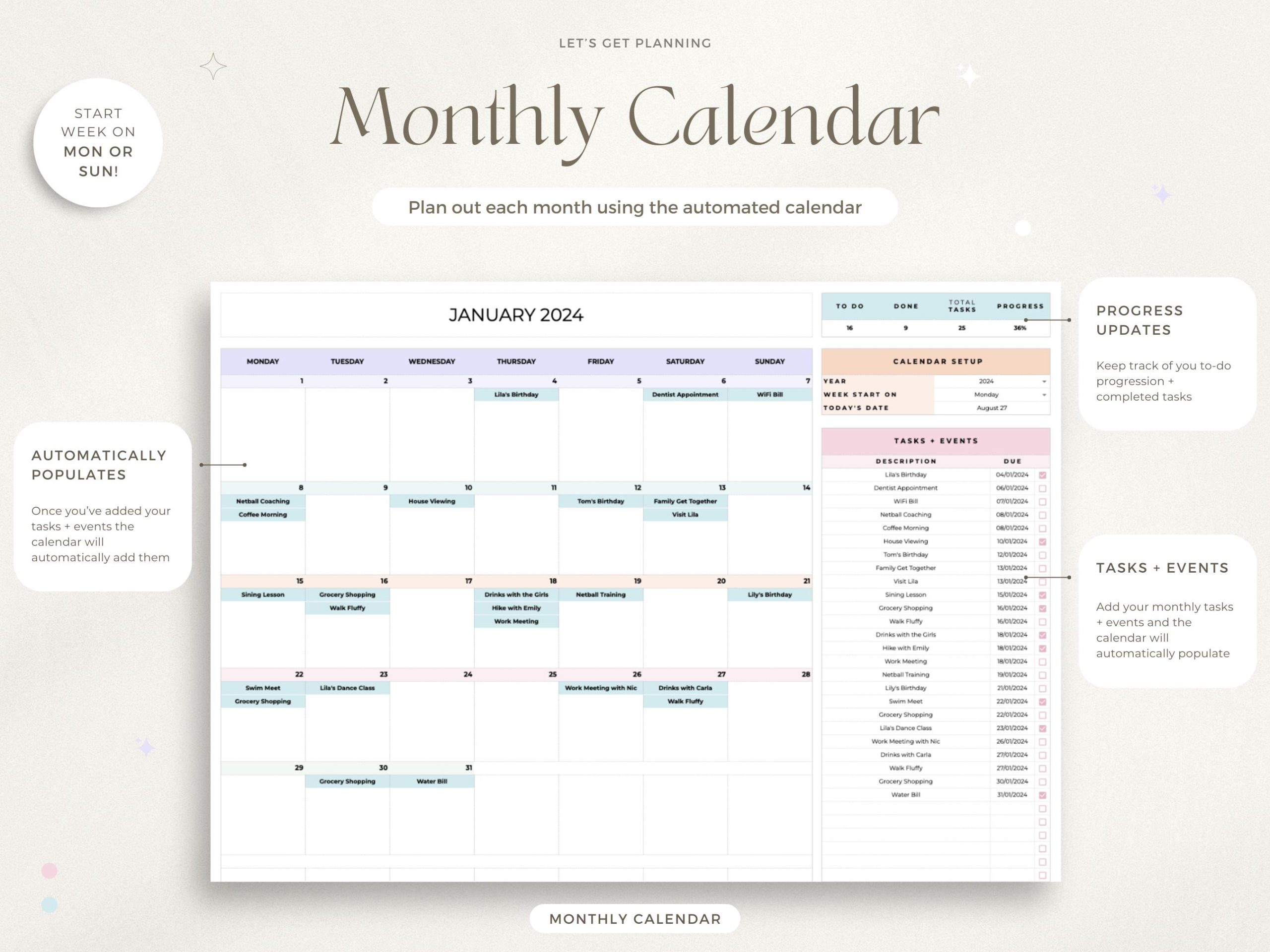
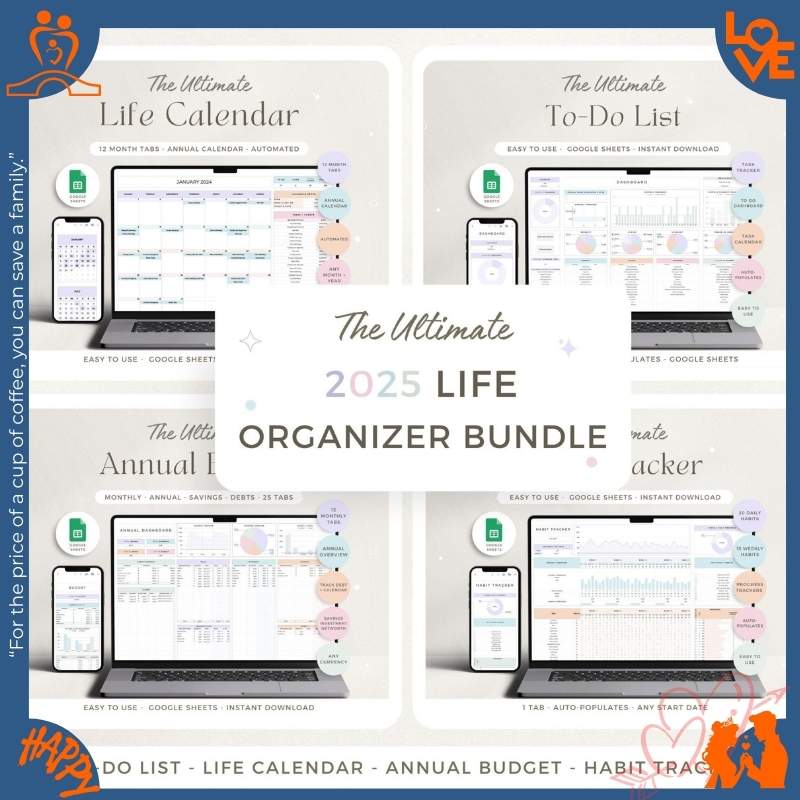
Stop using monthly calendars that hide the big picture. This yearly calendar shows ALL of 2026 in one view—schedule events once, they auto-populate on both annual + monthly sheets. See patterns, plan ahead, never double-book.
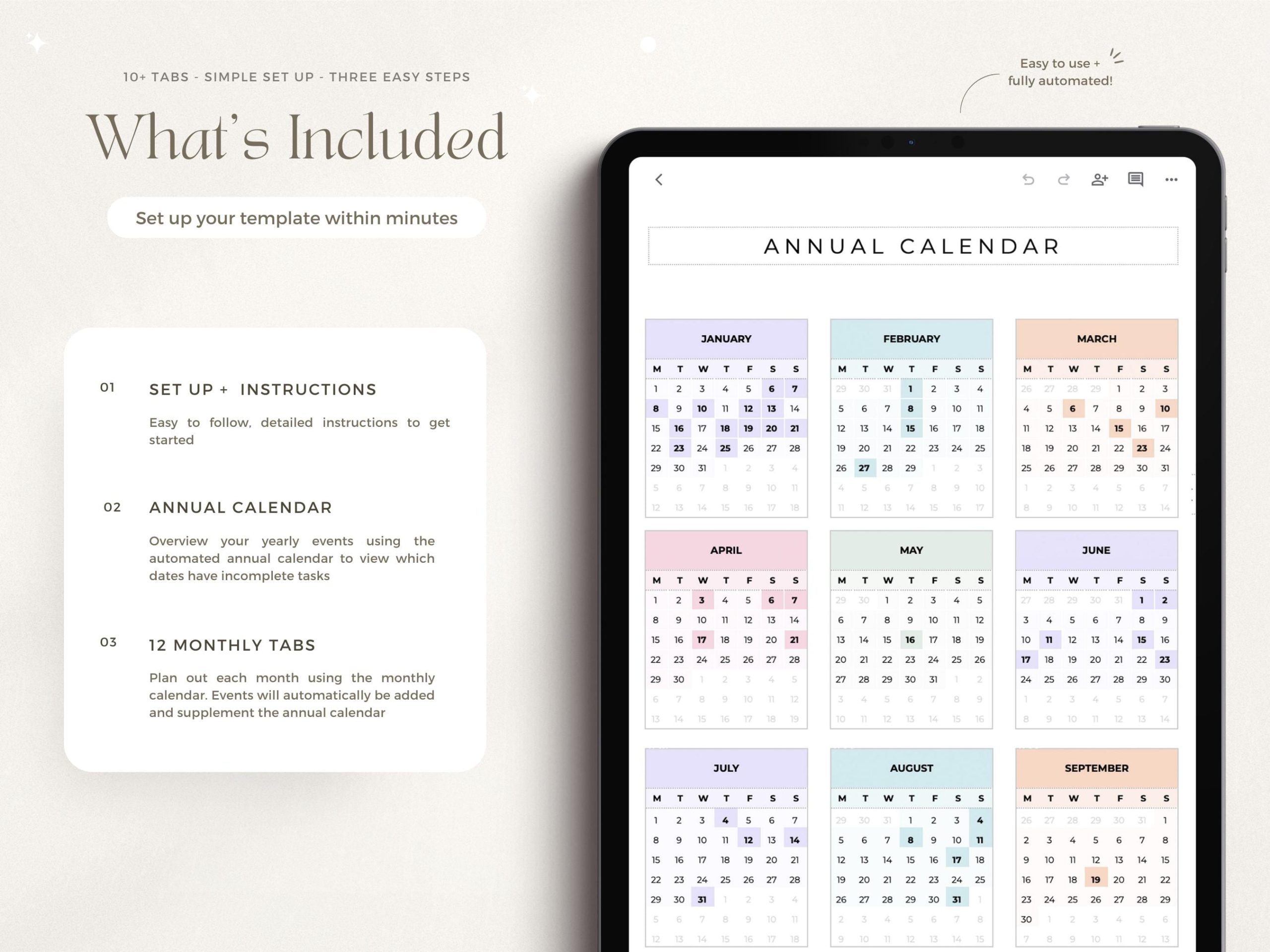
- ✅ Full 2026 year-at-a-glance view (Jan-Dec in one sheet)
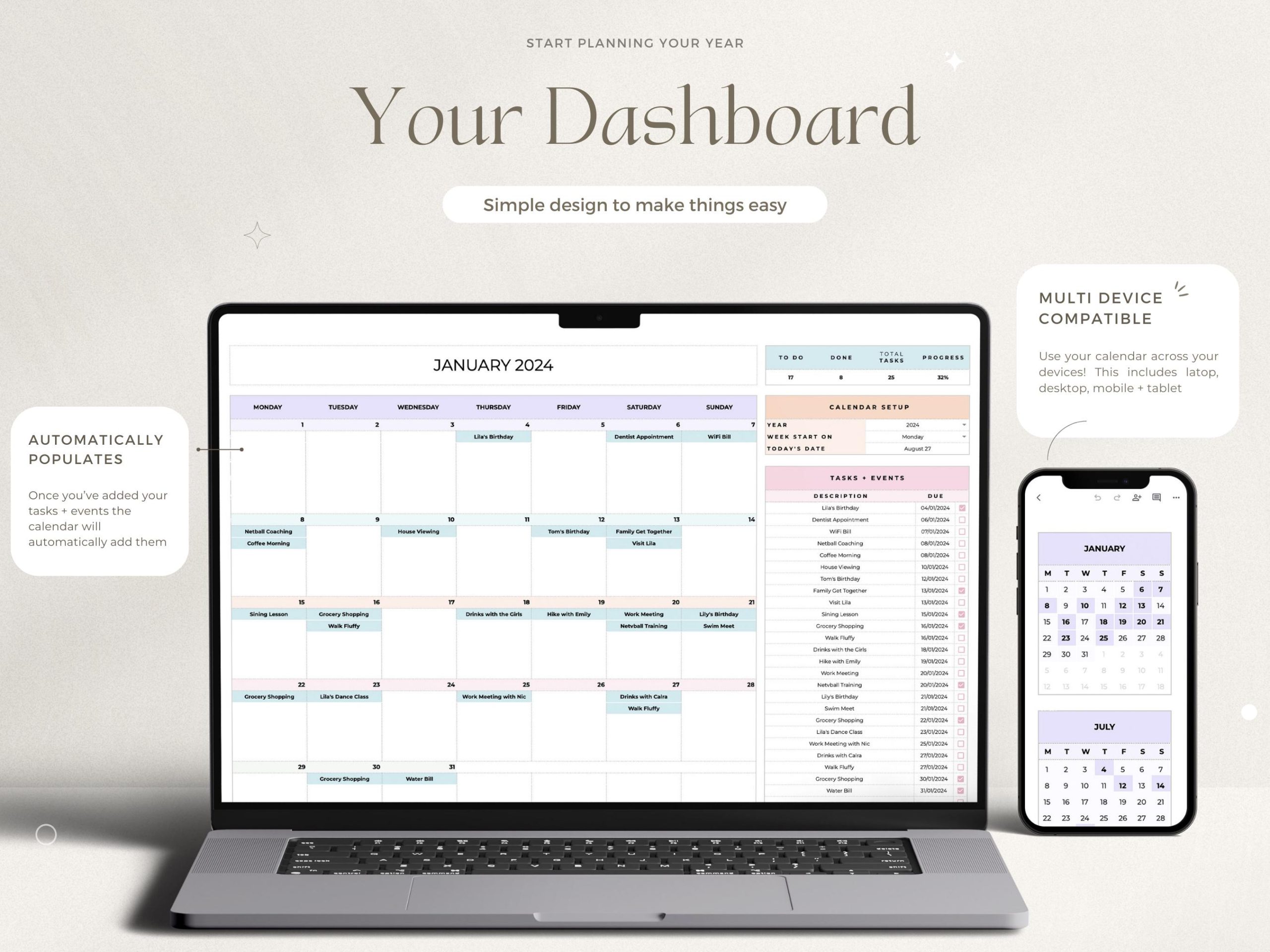
- ✅ Auto-populate events (add once, appears everywhere)
- ✅ Monthly detail sheets (zoom into each month)
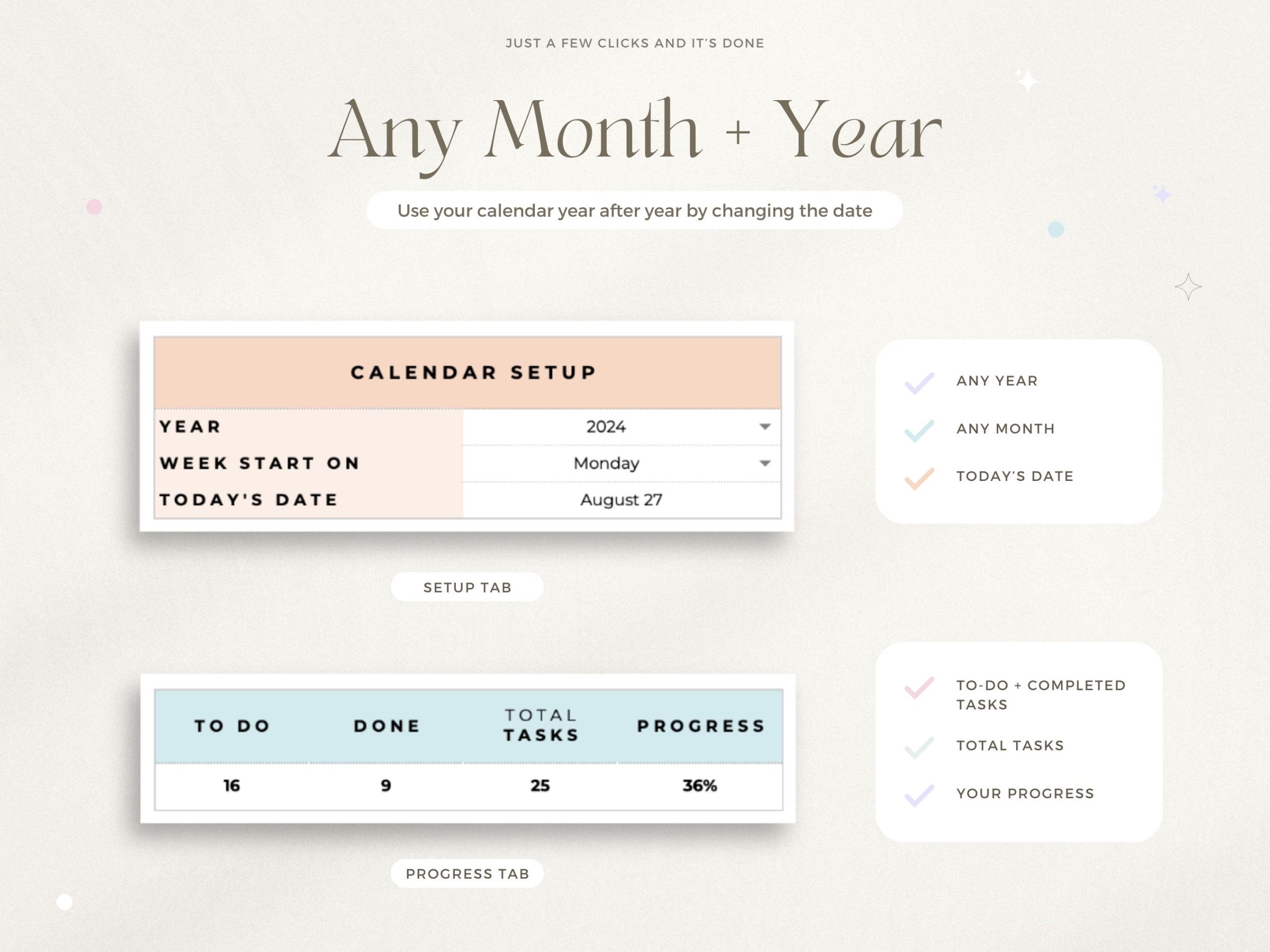
- ✅ Customizable week start (Sunday or Monday)
- ✅ Reusable forever (just change year)
- ✅ Color-code events (work, family, personal)
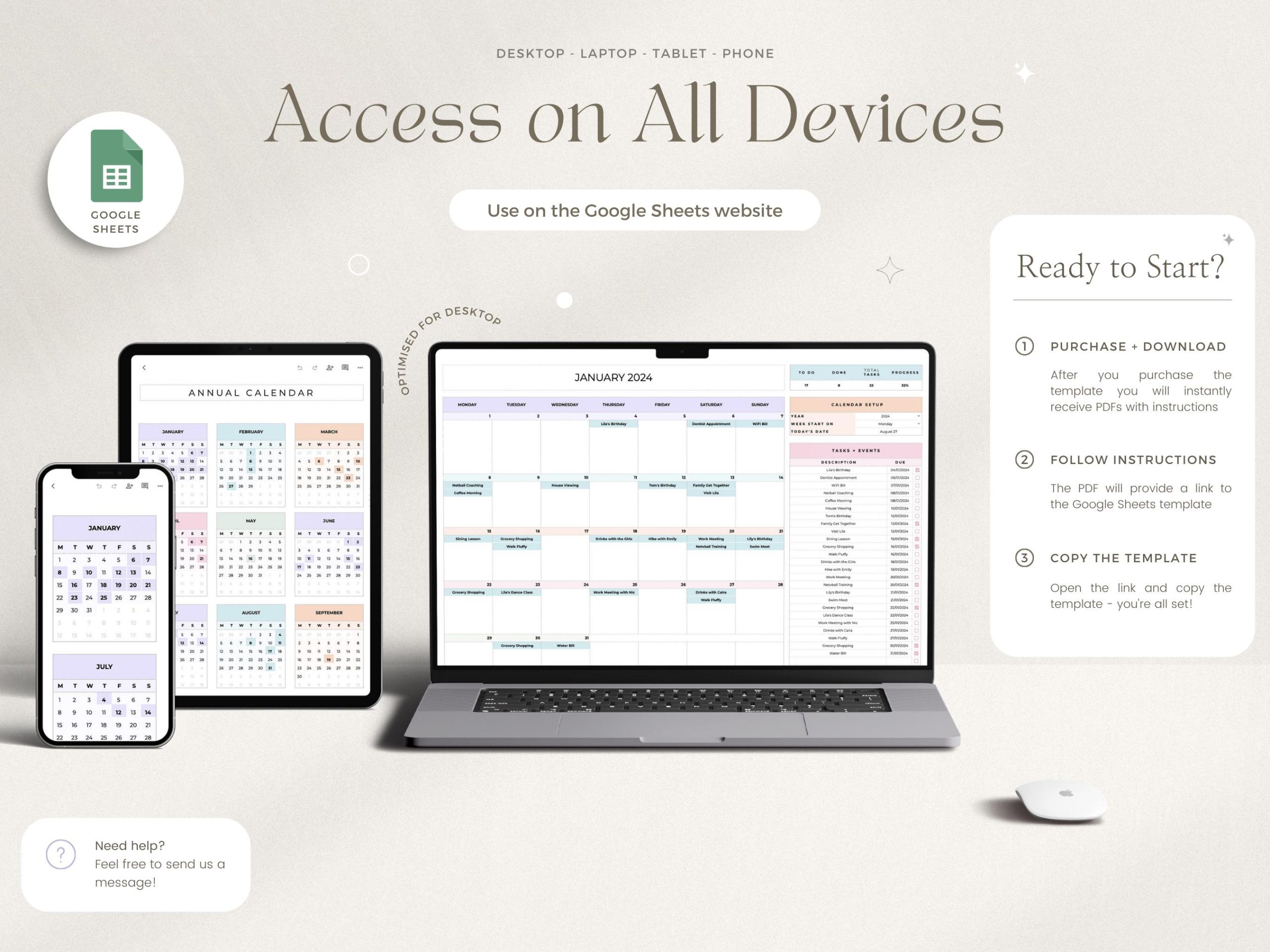
- ✅ Google Sheets (access anywhere, share with family)
Perfect for: 2026 life planning, New Year organization, family schedules, work/personal balance.
$7.99 one-time • Use every year • No subscription
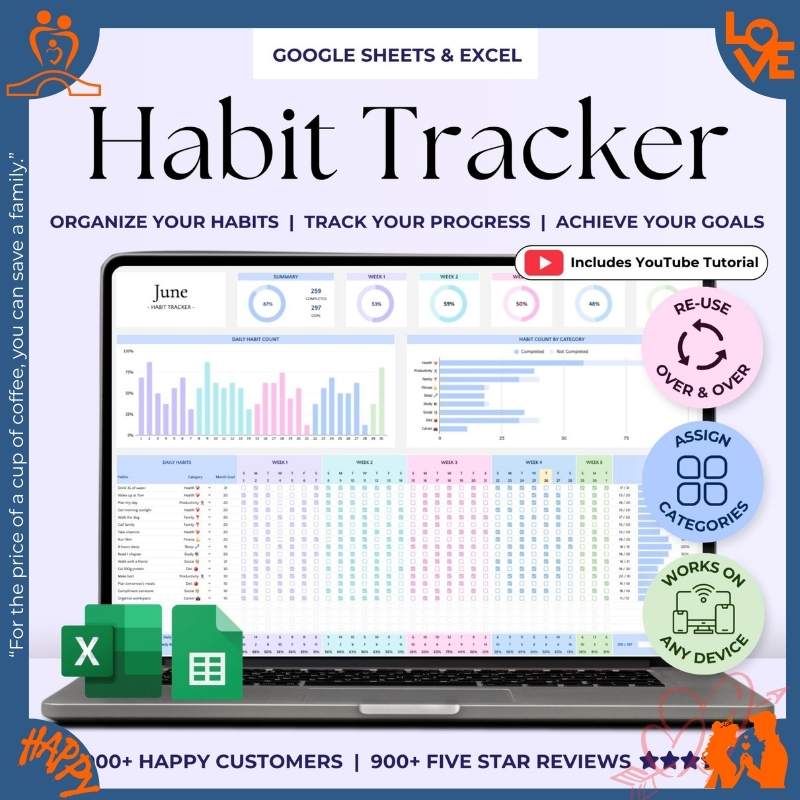
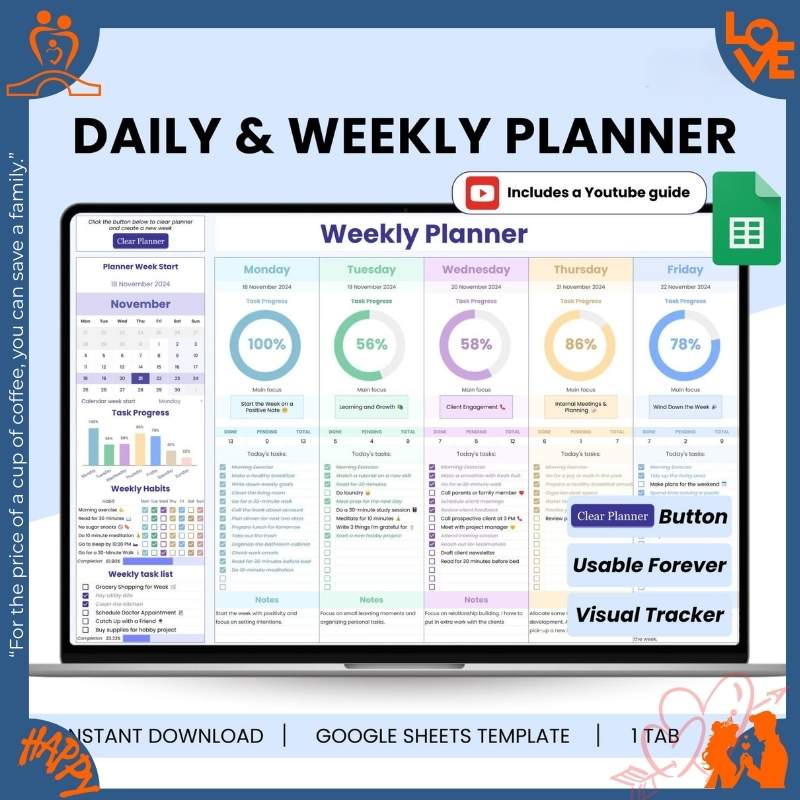
📅 Weekly Planner vs Yearly Calendar: Which Do You Need?
Use Weekly Planner For:
✅ Daily task management
✅ Habit tracking (water, exercise)
✅ Productivity goals
✅ Time blocking
✅ Work/study routines
Use Yearly Calendar For:
✅ Birthday & anniversary tracking
✅ Vacation planning
✅ Doctor appointments
✅ School events
✅ Long-term project deadlines
💡 Pro Tip: Many customers use BOTH—Weekly Planner for daily tasks, Yearly Calendar for life events.
74 reviews for 2026 Calendar Spreadsheet Yearly Calendar Monthly Tracker Routine Daily Schedule Google Sheets V2.4.1
Related products
Original price was: $13.99.$8.99Current price is: $8.99.
Original price was: $19.99.$9.99Current price is: $9.99.
Original price was: $70.94.$49.97Current price is: $49.97.
Original price was: $24.99.$14.99Current price is: $14.99.

Olivia Brown –
“Mobile scrolling is glitchy on Android. Works better on desktop.”
Madison Cook –
“Sync with Google Calendar would make this perfect.”
Addison Howard –
“The psychological satisfaction of seeing my year organized is priceless.”
Wyatt Sullivan –
“Mobile text formatting issues make on-the-go updates frustrating.”
Carter Coleman –
“This + Google Tasks = perfect productivity system!”
Sarah Williams –
“It’s just a basic calendar. Expected more customization for the price.”
Alyssa Price –
“Took me longer than expected to set up color categories.”
Ruby Chavez –
“The reset function needs a confirmation dialog – almost lost my data.”
Victoria Evans –
“Needs better print formatting for offline reference.”
Aurora Quinn –
“Needs iCal export functionality to sync with other apps.”
Sophia Garcia –
“Instructions PDF had broken links. Figured it out but wasted 30 minutes.”
Mia Long –
“Needs better zoom functionality for detailed monthly planning.”
Indigo Shaw –
“Progress colors need better contrast for visibility.”
Austin Reed –
“Dark mode would save my night owl eyes during late planning sessions.”
Tyler Bennett –
“Wish it had weather integration for travel planning.”
Lily Watson –
“Needs more color palette options for event categories.”
Emma Simmons –
“Some conditional formatting breaks when adding new rows.”
Amy Nguyen –
“Sample spreadsheet was outdated. Would help to include 2024 examples.”
David Martinez –
“The Sunday/Monday toggle didn’t work initially. Had to manually fix formulas.”
Luna Fitzgerald –
“Default font choices are hard to read for dyslexic users.”
Savannah Bennett –
“Column widths need manual adjustment when adding long event notes.”
Aaron Barnes –
“Had to manually fix some formulas after copying. Needs better error-checking.”
Rowan Ashworth –
“Keyboard shortcuts would help power users navigate faster.”
Levi Rivera –
“Needs better instructions for duplicating events across months.”
James Carter –
“Google Sheets version lags with 100+ events. Might need optimization.”
Dexter Monroe –
“Would help to include international holiday templates.”
Iris Coleman –
“Sample templates would help visual learners like myself.”
Natalie Clark –
“Font is too small on mobile. Needs responsive design improvements.”
Taylor Morgan –
“Expected more templates for common event types (birthdays, meetings).”
Marigold Frost –
“Needs better print margins for office use.”